
Help Library

Turn Every Jotform Submission Into Instant Follow-Up
Jotform now works directly inside Workflows. A new form response or a signed contract starts your automation the moment it lands, and a workflow can write a submission back into Jotform for you. That removes the manual export, and the third-party connector you were paying for to move the data across.
What can start a workflow from Jotform?
Two triggers are available. New Submission starts a workflow instantly when someone submits one of your Jotform forms. New Signed Document starts a workflow when a document containing an e-signature field is completed and signed, and it checks for newly signed documents every 5 minutes.

What can a workflow do inside Jotform?
One action is available: Create Submission. It adds a new submission to any form in your Jotform account, using values mapped from your workflow. Use it to push leads you captured by phone, at an event or over the counter into the same Jotform report as your online ones.

How do I connect my Jotform account?
You connect once from inside the workflow builder, and every form in your Jotform account becomes available to use. Once a form is selected, its fields load automatically so you can map them without typing anything out.
- Open the Workflow Builder and search for "Jotform" in the actions or triggers list.
- Click Connect Now when prompted and sign in with your Jotform account.
- Select a form. Its fields load automatically, ready for mapping.
- You can also connect the account first under Settings → Integrations → Jotform.


What can I use this for?
Anything that currently waits for someone to notice a form response. The trigger fires within seconds of the submission, so the follow-up goes out while the lead is still on your website.
- Lead capture straight into your CRM. A website enquiry form creates the contact, sends an acknowledgement email, tags them "New Lead" and posts to your sales channel in Slack.
- Signed contract to project kickoff. A client signs your service agreement, their stage moves to "Contract Signed", an onboarding task is created for your team and the client receives their next steps.
- Walk-in and phone sign-ups into Jotform. Someone registers for an event over the phone, and the workflow writes a matching submission into your Jotform event form so every attendee shows up in one report.
- Appointment to intake form. A consultation is booked, and an intake submission is created in Jotform with the client's details already filled in.

Which Jotform fields can a workflow fill in?
Create Submission supports the standard question types: Full Name, Email, Address, Phone, Short Text, Long Text, Number, Dropdown, Single Choice, Multiple Choice, Yes/No, Star Rating, Scale Rating, Date Picker and Time. Dates use the YYYY-MM-DD format and times use HH:MM. Field support is expanding, so more types will appear in future releases.

Fields that are not supported simply do not appear in the mapping list. These include File Upload, Signature, Appointment, Payment, Product List, Input Table, Fill in the Blanks, Spinner, Emoji Slider, Image Choice, Captcha, and widgets such as Terms and Conditions and Checklist.
What should I know before relying on it?
Submissions created by a workflow behave slightly differently from ones a person fills in. Read these three points before you use Create Submission on a payment form.
- Unsupported fields are saved empty, even when the field is marked required on your form. Jotform accepts the submission anyway and marks it active, so nothing fails part-way through your workflow.
- A submission created this way carries no payment, amount, product or booked time slot. On a payment form it looks identical to a paid submission, so treat it as unpaid unless you collected the money another way.
- Create Submission cannot write a signature, because a signature has to be captured from a person. The New Signed Document trigger reads documents that were signed in Jotform.
Assign Form and Assign Prefilled Form are coming next, so you will be able to send a form out for someone to complete rather than writing the submission yourself.
You will find the Jotform triggers and actions by searching "Jotform" inside the workflow builder, and the account connection under Settings → Integrations → Jotform.


Kenya:
Ignite Funnels Kenya is a WebsterBerry Enterprises LTD Company.
Ikigai Westlands, Peponi Road, Nairobi, Kenya, 00606
Tel: +254 20 5002151
Quick Links
Home
Pricing
Affiliate Program
Help- Knowledge Base
Spark Sessions


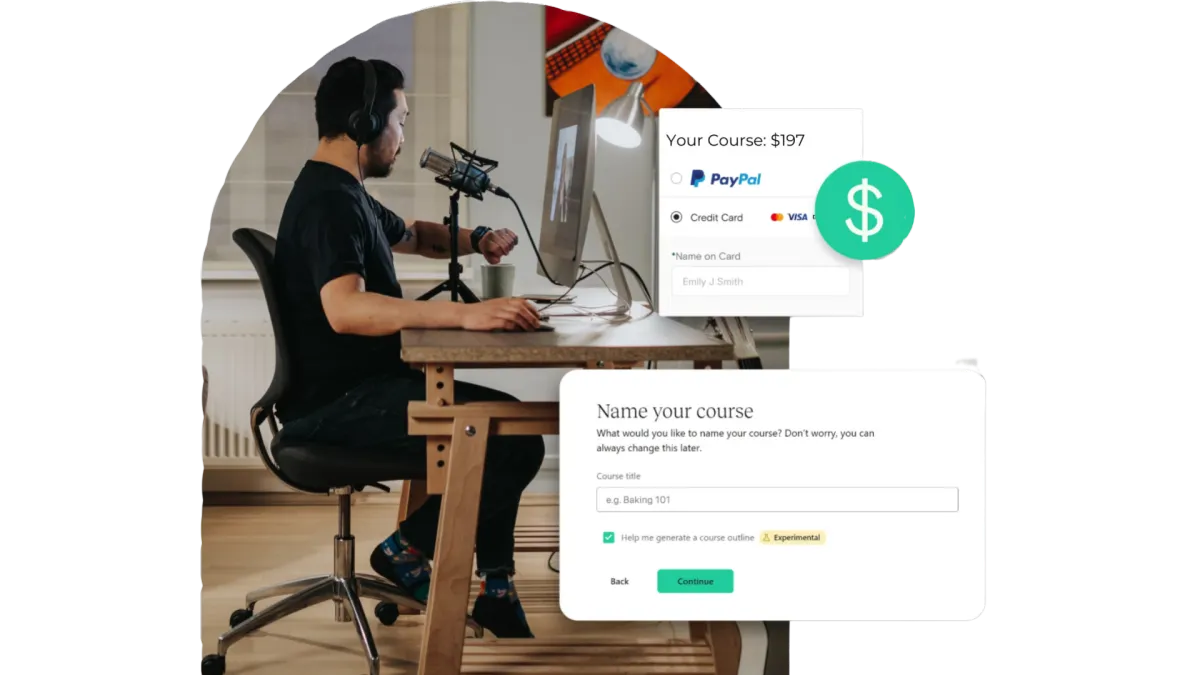
Quick & Painless Payment Processing
Unlock Diverse Payment Options:
Maximize your revenue potential with our seamless payment processing capabilities, including one-time payments, installment plans, and flexible recurring subscriptions.
Transparent Transactions:
Rest assured, we never deduct a portion of your earnings, ensuring that your profits remain fully yours.
Seamless Integration with Stripe:
Our platform integrates seamlessly with Stripe for quick, secure payments, ensuring your earnings are deposited directly into your bank account.
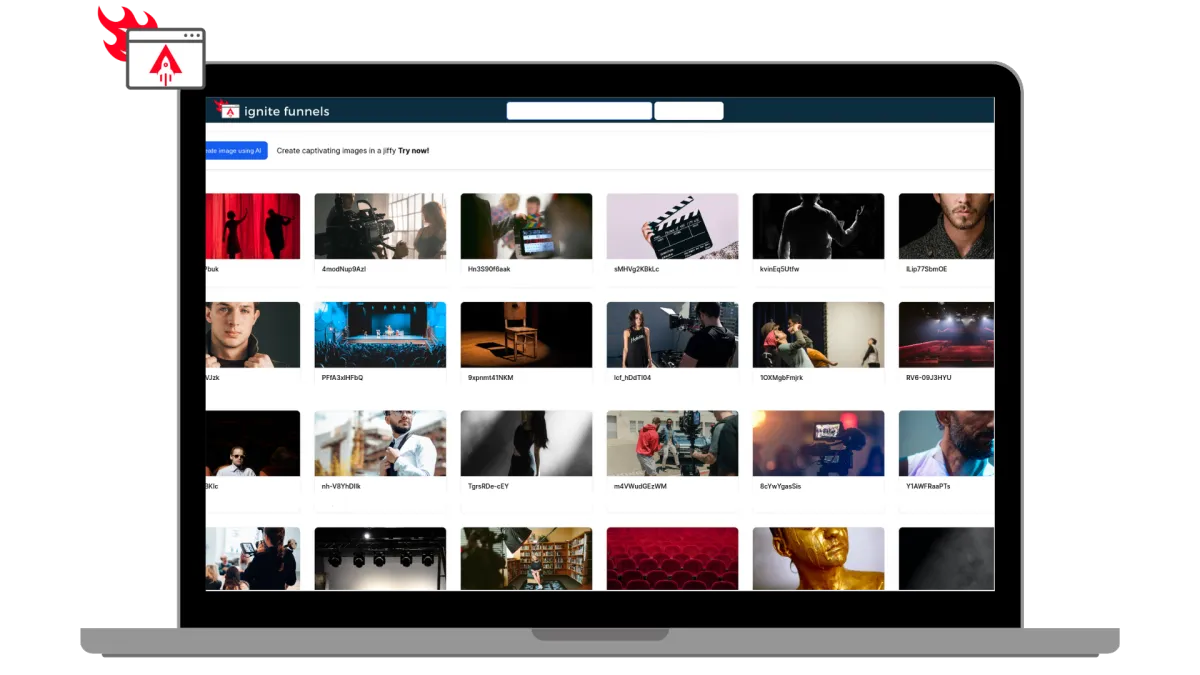
Built for Modern Learning Businesses
Designed for Modern Coaches, and infopreneurs. Ignite Funnels simplifies the transformation of your knowledge into impactful learning adventures. We're committed to crafting speedy, dependable, and secure technology that you can rely on to grow your business.
Unlimited Video Hosting:
Enjoy limitless video hosting capabilities at no extra charge.
Custom Branding + Domains:
Tailored Branding and Domains that you own.
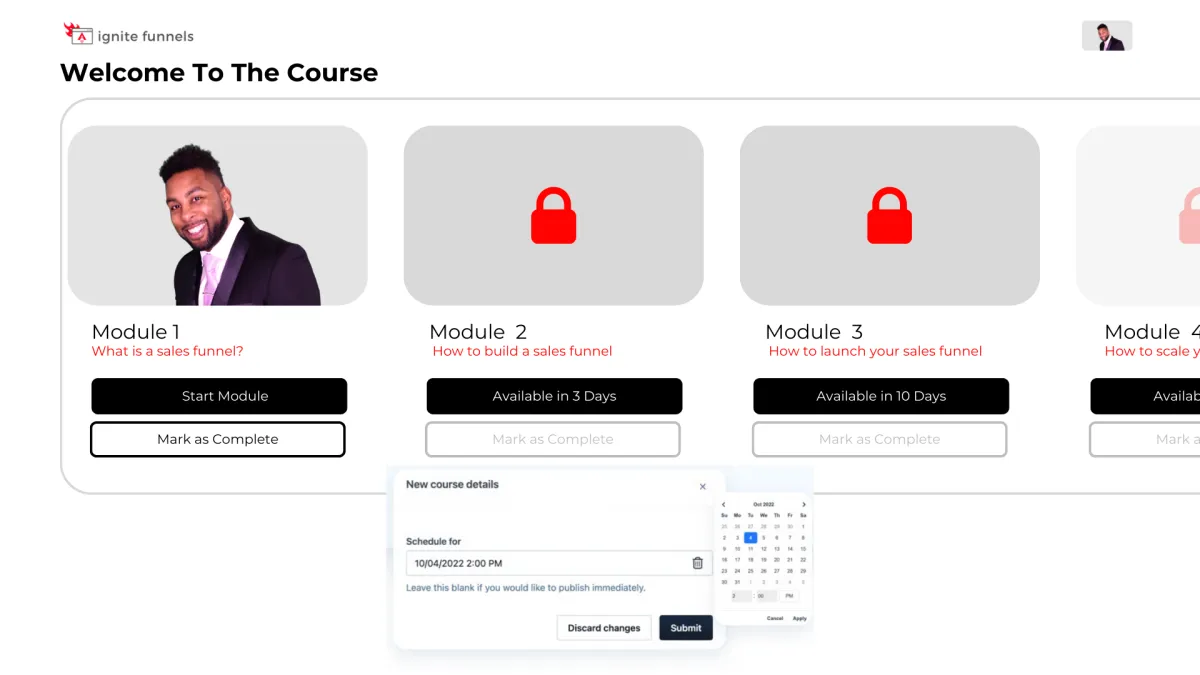
Schedule And ‘Drip’ Your Content
You have the ability to schedule courses for specific publication dates and 'drip' valuable content to your customers gradually! For instance, on Day 1, they gain access to Module 1, and so forth. This empowers you to PRE-SELL your online course and orchestrate a highly anticipated release event when it becomes available, followed by a steady drip of fresh content as it's created!
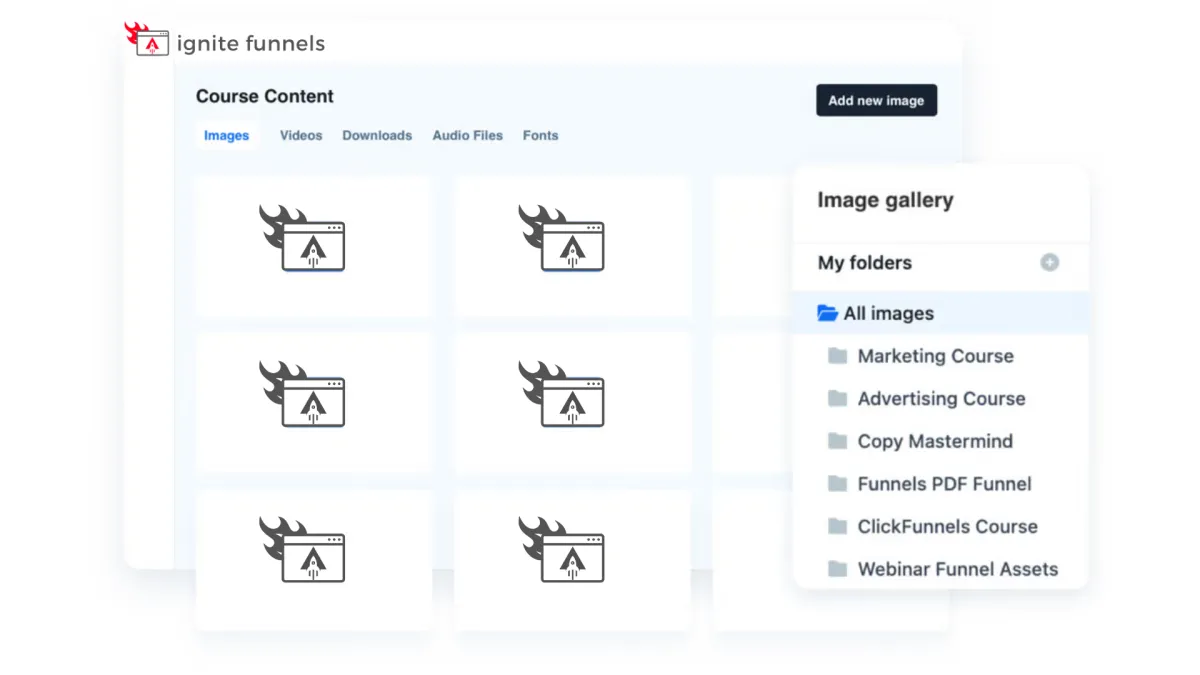
Course Management at Your Fingertips
Every feature you currently have in the editor is now at your disposal within courses! These enhanced editing capabilities empower you to take control of user enrollment right from within your courses. Easily adjust their access, view a user's completed sessions, and, if needed, even mark a lesson as completed on their behalf. Your course management has never been this efficient and user-friendly!

Social Media Management
Lorem ipsum dolor sit amet, consectetur adipiscing elit, sed do eiusmod tempor incididunt ut labore et dolore magna aliqua. Ut enim ad minim veniam, quis nostrud exercitation ullamco laboris nisi ut aliquip ex ea commodo consequat. Duis aute irure dolor in reprehenderit in voluptate velit esse cillum dolore eu fugiat nulla pariatur.
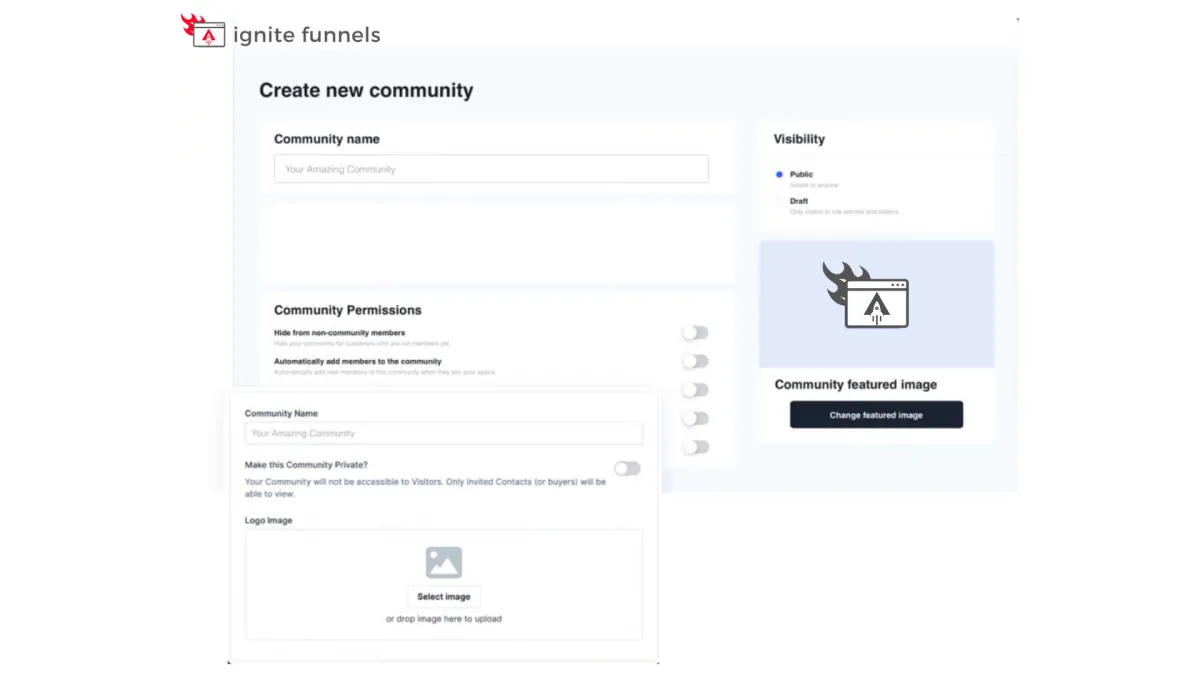
Foster Interactive Learning
Our platform empowers you to
create vibrant community forums
within your online courses. Cultivate engagement, collaboration, and knowledge-sharing among your learners.
Encourage discussions, address queries, and build a sense of belonging, enhancing the overall learning experience. With our forum feature, you can foster a dynamic community of learners, making your courses truly interactive and enriching.

Social Media Management
Lorem ipsum dolor sit amet, consectetur adipiscing elit, sed do eiusmod tempor incididunt ut labore et dolore magna aliqua. Ut enim ad minim veniam, quis nostrud exercitation ullamco laboris nisi ut aliquip ex ea commodo consequat. Duis aute irure dolor in reprehenderit in voluptate velit esse cillum dolore eu fugiat nulla pariatur.

"As a business owner, it is always important to know the numbers and statistics in your company. To know your best clients, programs, what is working or not working. Many of us spend years and thousands of dollars on software that we think will help, and spend too much money, time and effort to implement. And if we can’t understand it all, we have to invest/pay another person to understand and implement it all.
As a subscriber to multiple software platforms to keep our businesses at the forefront of the industry, I can truly share this software developed by Ignite Funnels, makes my job as the CEO a simpler one. Meaning I can see new clients coming in the door from multiple resources, our company follow up, conversions, current client’s information, sales, and special offers in one place."
Christina Nelson