
Help Library

Automate What Happens When a Reply Runs Late
Response time targets on conversations can now start workflows. Instead of someone watching a timer and noticing a customer has been waiting too long, you can have the system notify a team member, reassign the contact, or escalate automatically. You also control who is allowed to dismiss a target, and every dismissal is logged.
How do I build a workflow that runs when a reply is late?
Create a workflow and use Conversation SLA as the trigger, then pick which event starts it. You can act before the deadline rather than only after it has been missed.
- Go to Automation, then Workflows, and create a new workflow.
- Select Conversation SLA as the trigger.
- Choose the event: Due Soon, Overdue, or SLA dismissed.
- Add optional filters such as message channel, tags, owner or custom fields.
- Define the actions the workflow should take, then publish it.


How do I stop it firing repeatedly?
Turn on Avoid Repeated Triggers. With it enabled, the workflow runs only once per conversation in a 24 hour period, even if the same contact sends several messages that each create a new timing event. Without it, a chatty customer can generate a run of notifications for one conversation.
What about messages that do not need a reply?
Some messages are just a customer saying thank you, got it, or not interested. Those do not need a response, and your team can dismiss the target on that conversation without sending a reply, so your response time figures are not dragged down by messages that were never questions.
Who is allowed to dismiss a response target?
You choose. Admins can open it up to everyone or restrict it to admins only, which stops a target being cleared simply because someone did not want to deal with the conversation.
- Go to Conversations Settings.
- Under the setting for who can manually dismiss SLA from conversations, select All users or Admins only.
- Save your changes.

Anyone with permission dismisses a target by clicking the SLA timer in the centre panel.

Can I see who dismissed one?
Yes. Every dismissal writes a log entry onto the conversation showing which user dismissed it and what the status was at that moment, so the action is always traceable back to a person.

You will find the trigger in Automation under Workflows, and the permission setting in Conversations Settings.


Kenya:
Ignite Funnels Kenya is a WebsterBerry Enterprises LTD Company.
Ikigai Westlands, Peponi Road, Nairobi, Kenya, 00606
Tel: +254 20 5002151
Quick Links
Home
Pricing
Affiliate Program
Help- Knowledge Base
Spark Sessions


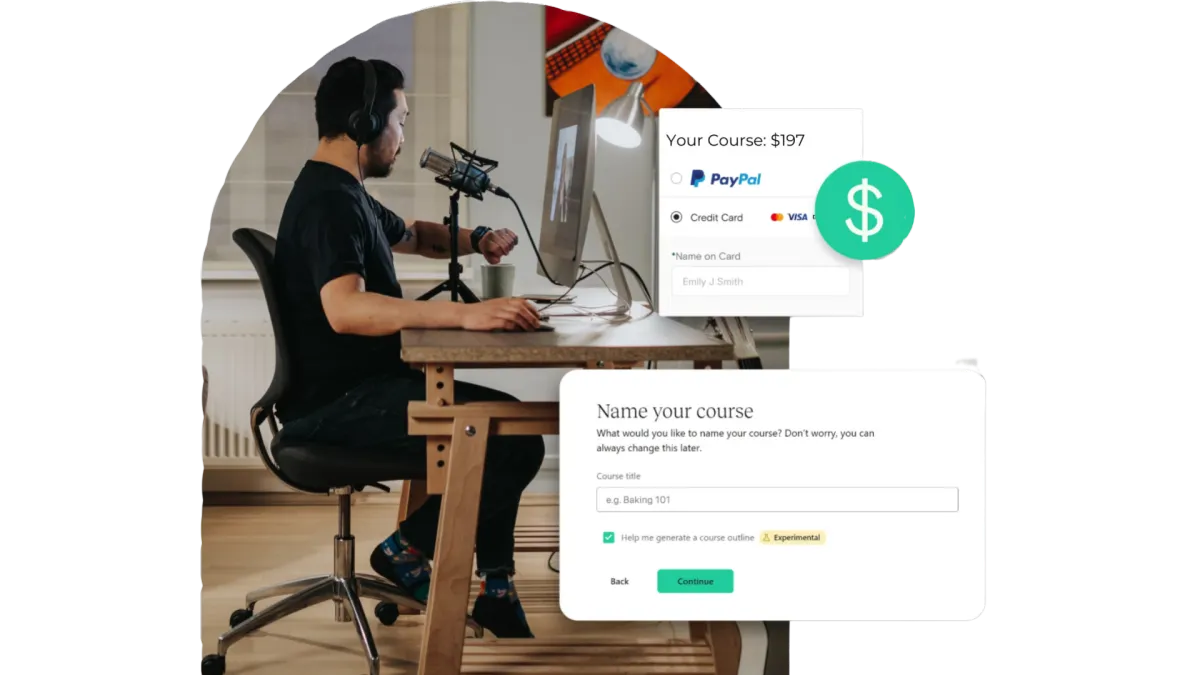
Quick & Painless Payment Processing
Unlock Diverse Payment Options:
Maximize your revenue potential with our seamless payment processing capabilities, including one-time payments, installment plans, and flexible recurring subscriptions.
Transparent Transactions:
Rest assured, we never deduct a portion of your earnings, ensuring that your profits remain fully yours.
Seamless Integration with Stripe:
Our platform integrates seamlessly with Stripe for quick, secure payments, ensuring your earnings are deposited directly into your bank account.
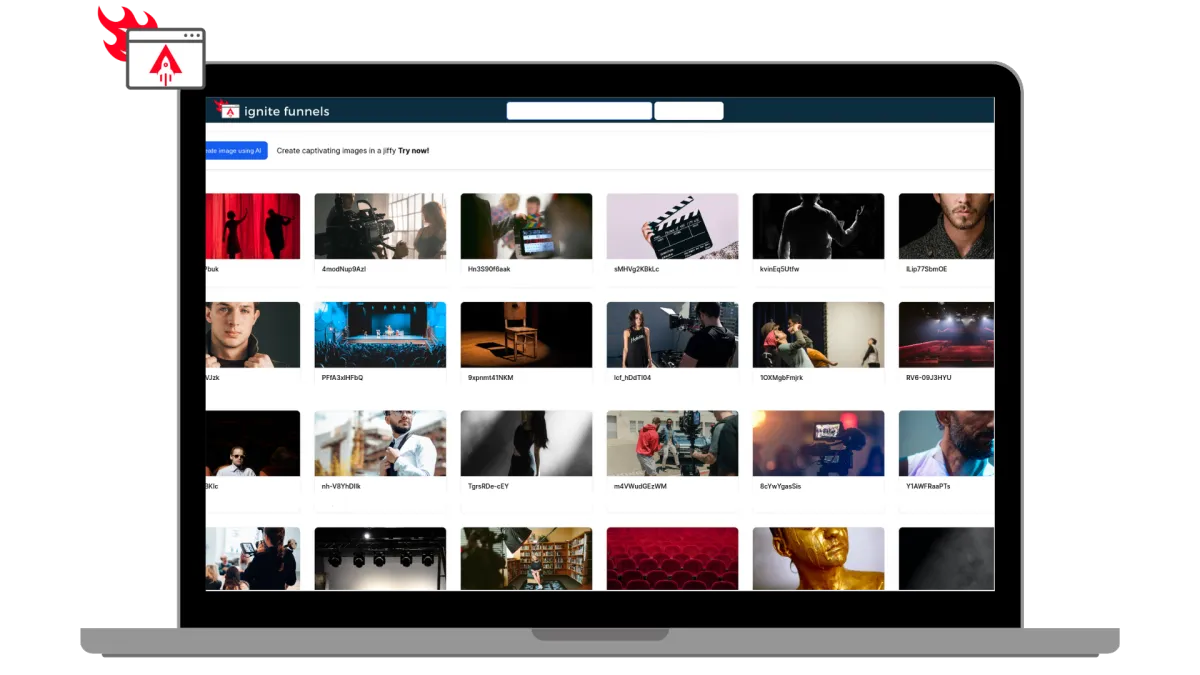
Built for Modern Learning Businesses
Designed for Modern Coaches, and infopreneurs. Ignite Funnels simplifies the transformation of your knowledge into impactful learning adventures. We're committed to crafting speedy, dependable, and secure technology that you can rely on to grow your business.
Unlimited Video Hosting:
Enjoy limitless video hosting capabilities at no extra charge.
Custom Branding + Domains:
Tailored Branding and Domains that you own.
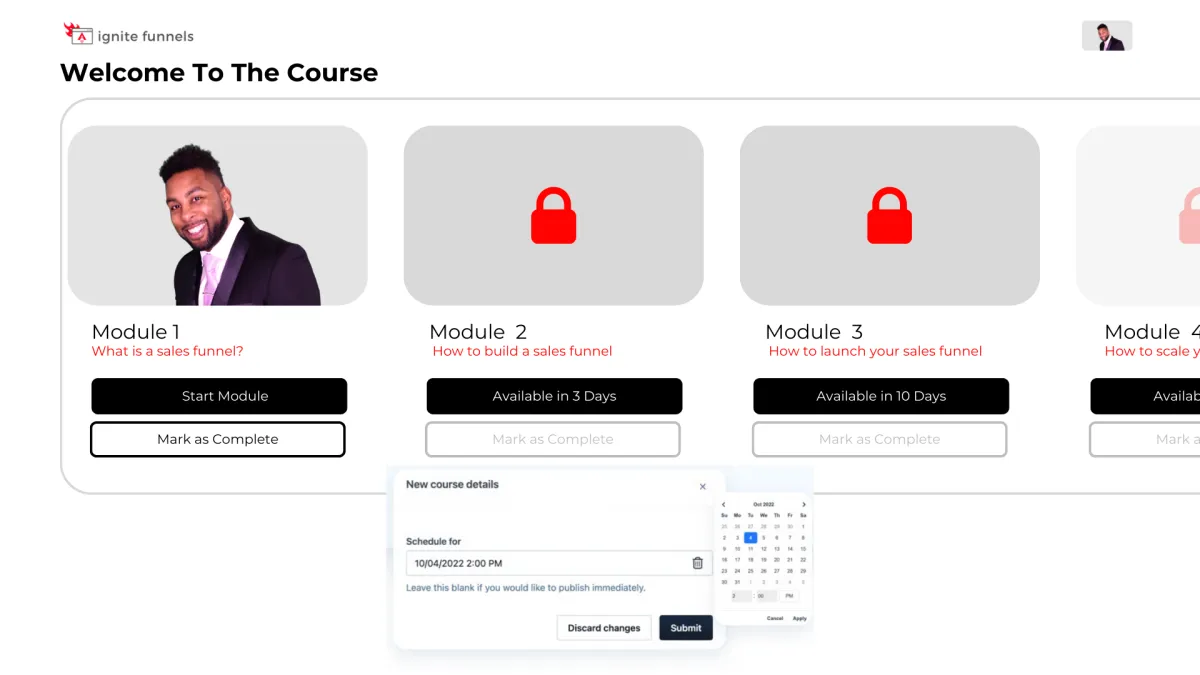
Schedule And ‘Drip’ Your Content
You have the ability to schedule courses for specific publication dates and 'drip' valuable content to your customers gradually! For instance, on Day 1, they gain access to Module 1, and so forth. This empowers you to PRE-SELL your online course and orchestrate a highly anticipated release event when it becomes available, followed by a steady drip of fresh content as it's created!
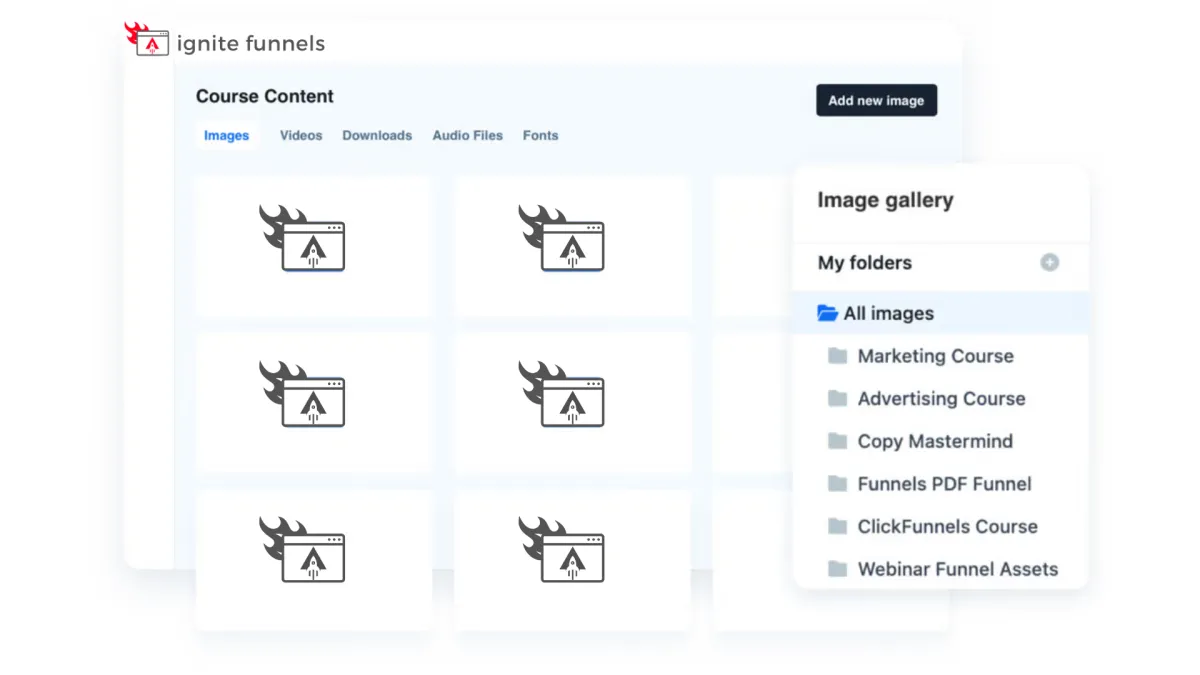
Course Management at Your Fingertips
Every feature you currently have in the editor is now at your disposal within courses! These enhanced editing capabilities empower you to take control of user enrollment right from within your courses. Easily adjust their access, view a user's completed sessions, and, if needed, even mark a lesson as completed on their behalf. Your course management has never been this efficient and user-friendly!

Social Media Management
Lorem ipsum dolor sit amet, consectetur adipiscing elit, sed do eiusmod tempor incididunt ut labore et dolore magna aliqua. Ut enim ad minim veniam, quis nostrud exercitation ullamco laboris nisi ut aliquip ex ea commodo consequat. Duis aute irure dolor in reprehenderit in voluptate velit esse cillum dolore eu fugiat nulla pariatur.
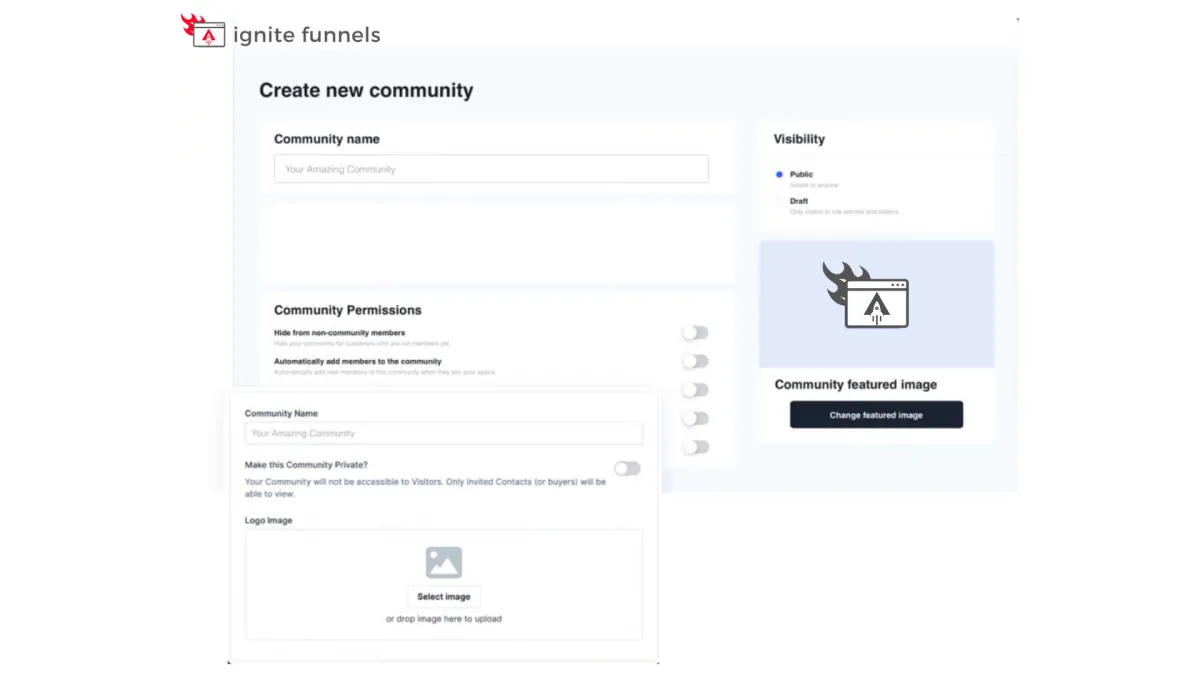
Foster Interactive Learning
Our platform empowers you to
create vibrant community forums
within your online courses. Cultivate engagement, collaboration, and knowledge-sharing among your learners.
Encourage discussions, address queries, and build a sense of belonging, enhancing the overall learning experience. With our forum feature, you can foster a dynamic community of learners, making your courses truly interactive and enriching.
Social Media Management
Lorem ipsum dolor sit amet, consectetur adipiscing elit, sed do eiusmod tempor incididunt ut labore et dolore magna aliqua. Ut enim ad minim veniam, quis nostrud exercitation ullamco laboris nisi ut aliquip ex ea commodo consequat. Duis aute irure dolor in reprehenderit in voluptate velit esse cillum dolore eu fugiat nulla pariatur.

"As a business owner, it is always important to know the numbers and statistics in your company. To know your best clients, programs, what is working or not working. Many of us spend years and thousands of dollars on software that we think will help, and spend too much money, time and effort to implement. And if we can’t understand it all, we have to invest/pay another person to understand and implement it all.
As a subscriber to multiple software platforms to keep our businesses at the forefront of the industry, I can truly share this software developed by Ignite Funnels, makes my job as the CEO a simpler one. Meaning I can see new clients coming in the door from multiple resources, our company follow up, conversions, current client’s information, sales, and special offers in one place."
Christina Nelson