
Help Library

Sell Gift Cards Customers Can Spend With You Later
A full gift card system, built in
You can run a complete gift card system inside Ignite Funnels: create gift cards, sell them, send them out, track them and let customers redeem them across your checkouts. A gift card works as a prepaid balance a customer can buy for themselves or for someone else, or that you issue directly for loyalty, compensation, a refund or a promotion.
1. Create your gift card products
Gift card products are created from the Gift Cards section under Payments. Each one carries:
- A name, description and terms and conditions, with the option to attach a redemption link in the emails.
- An optional expiry date, which applies to every gift card issued from that product.
- Artwork and branding, either uploaded by you or built from your own gradients.
- Multiple denominations, each with its own stock count.
- Automatic tax using the gift card tax category, if you want it.
- An optional category, to keep things organised.
You can preview the card before you create it. Gift card products can be edited, archived or deactivated at any time. When you deactivate one, its Sell and Send actions stop working and its dedicated checkout link goes dead immediately, though if you added it as a product on another checkout it will keep selling there until you remove it.
A note on stock: the quantity you set applies to each denomination separately. If you set a quantity of 100 across two denominations, you get 100 of each, so 200 gift cards in total.


2. Sell them through your checkouts
Every gift card product automatically gets its own checkout page, in both test and live mode. You can sell through:
- The dedicated gift card checkout link, unique to each product.
- An embed code, to drop the checkout straight into a page on your website.
- A QR code, which is ideal for a counter display, a printed campaign or sharing over a messaging app.
- Your existing checkouts, by adding the gift card as a product to funnels, forms, payment links, invoices, your store, calendar payments and websites.
On the dedicated checkout, a customer picks a denomination, chooses whether they are buying for themselves or for someone else, picks immediate or scheduled delivery, and pays. When they buy for someone else, the receipt goes to the purchaser and the gift card goes to the recipient. A scheduled gift card stays inactive until its delivery time, though the code will still work if someone has it.
One thing to keep straight: a gift card bought in test mode can only be redeemed on test checkouts, and a live one only on live checkouts. If you sell a gift card as a product on an existing checkout, it is delivered to the email address of the person buying it.


3. Send a gift card without taking payment
You can issue a gift card to any customer directly using the Send flow, which is available in live mode. This is what you want for compensation, a reward programme, a goodwill gesture or replacing credits.
To send one, choose a customer from your existing customers, add a personal message (Write with AI can draft it for you), and deliver it by email, SMS, a QR link by email, or a PDF by email. The available options depend on whether you hold that customer's email address or phone number. You can schedule delivery for a future date, and preview what the customer will receive before sending.
Gift cards issued this way appear under Gift Card Orders but not in the general Payments, then Orders list, because no money changed hands. You can send one gift card to one customer per flow, and each send reduces your stock.


4. Track every card you have issued
A Gift Card Orders tab sits under Payments, then Gift Cards, listing every card you have issued, whether it was bought or sent. The tab only appears once you have sold or sent your first one.
The list shows statuses, balances, filters and customer details, and each row opens a detail page. That detail page is your single source of truth for any card, showing the purchaser, the recipient, the denomination, the expiry date, the remaining balance, the status (Scheduled, Active or Inactive), the hidden gift card number, and the delivery method and schedule.
5. Let customers redeem them
Customers can redeem gift cards on any checkout that supports the redemption field, including funnels, forms, payment links, invoices, your store checkout and calendar payments where applicable.
The customer enters their gift card number at checkout and the remaining balance appears straight away. If the balance covers the full amount on a one-time product, the gift card pays for everything. If it does not, the balance is used first and the rest is charged to another payment method. Transactions show a separate Gift Card Balance Used entry, so your records stay clear.
The redemption screen tells the customer exactly where they stand: how much of the gift card was applied, how much balance is left afterwards, and how much is still to pay, with that last line only appearing when another payment is needed.
Two things worth knowing: if a subscription product is in the basket, the system always collects a payment method as well, even when the gift card covers the first charge, because of the billing that follows. And gift cards cannot be used on upsell purchases.

More views of the system


Where to find it
Go to Payments, then Gift Cards. Gift Card Products is where you create, edit, sell and send them, and Gift Card Orders is where you track everything you have issued.
This update was originally released in April 2026. Menu locations may have changed since.


Kenya:
Ignite Funnels Kenya is a WebsterBerry Enterprises LTD Company.
Ikigai Westlands, Peponi Road, Nairobi, Kenya, 00606
Tel: +254 20 5002151
Quick Links
Home
Pricing
Affiliate Program
Help- Knowledge Base
Spark Sessions


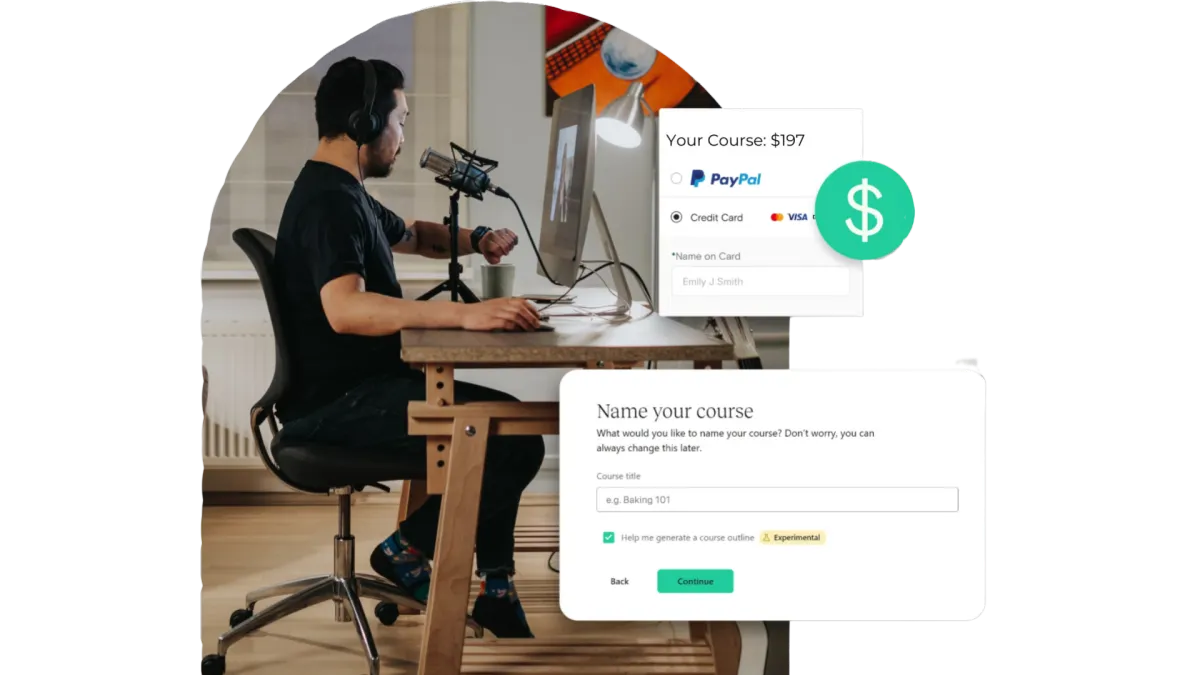
Quick & Painless Payment Processing
Unlock Diverse Payment Options:
Maximize your revenue potential with our seamless payment processing capabilities, including one-time payments, installment plans, and flexible recurring subscriptions.
Transparent Transactions:
Rest assured, we never deduct a portion of your earnings, ensuring that your profits remain fully yours.
Seamless Integration with Stripe:
Our platform integrates seamlessly with Stripe for quick, secure payments, ensuring your earnings are deposited directly into your bank account.
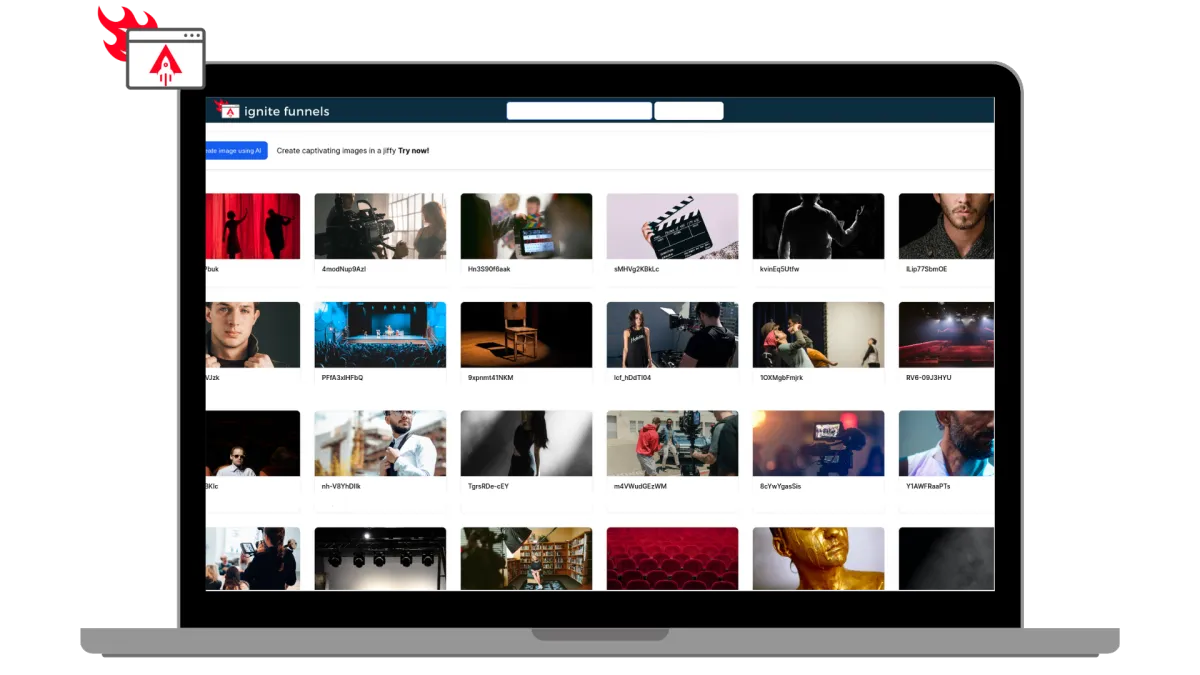
Built for Modern Learning Businesses
Designed for Modern Coaches, and infopreneurs. Ignite Funnels simplifies the transformation of your knowledge into impactful learning adventures. We're committed to crafting speedy, dependable, and secure technology that you can rely on to grow your business.
Unlimited Video Hosting:
Enjoy limitless video hosting capabilities at no extra charge.
Custom Branding + Domains:
Tailored Branding and Domains that you own.
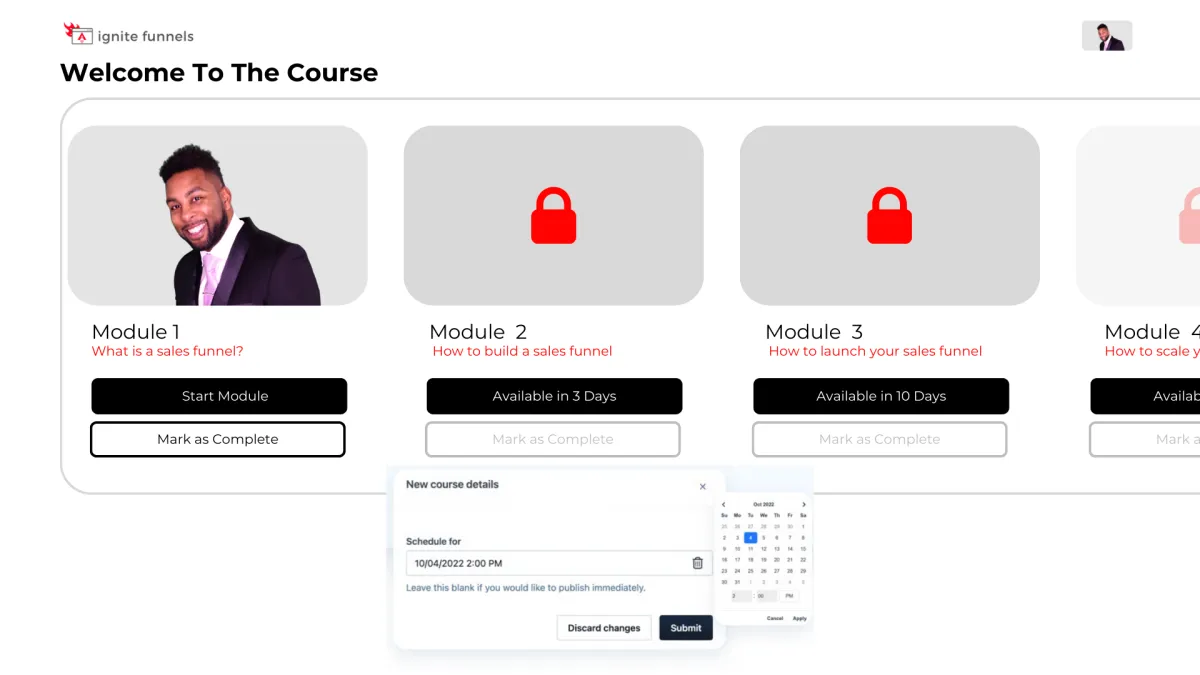
Schedule And ‘Drip’ Your Content
You have the ability to schedule courses for specific publication dates and 'drip' valuable content to your customers gradually! For instance, on Day 1, they gain access to Module 1, and so forth. This empowers you to PRE-SELL your online course and orchestrate a highly anticipated release event when it becomes available, followed by a steady drip of fresh content as it's created!
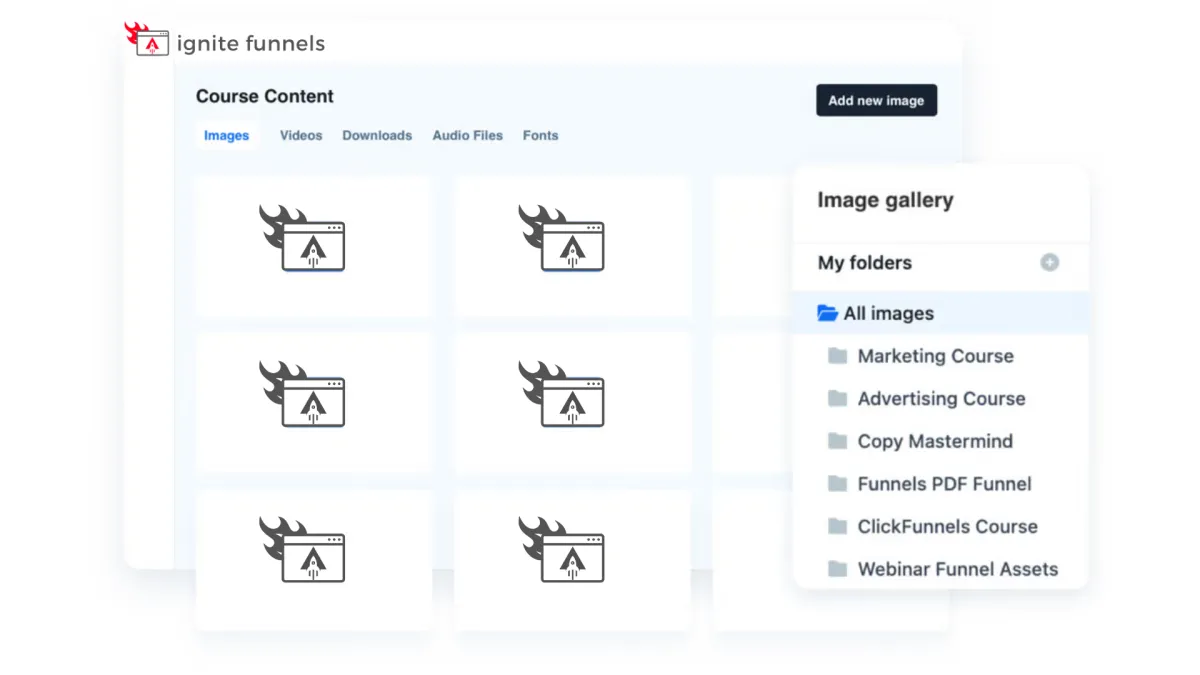
Course Management at Your Fingertips
Every feature you currently have in the editor is now at your disposal within courses! These enhanced editing capabilities empower you to take control of user enrollment right from within your courses. Easily adjust their access, view a user's completed sessions, and, if needed, even mark a lesson as completed on their behalf. Your course management has never been this efficient and user-friendly!

Social Media Management
Lorem ipsum dolor sit amet, consectetur adipiscing elit, sed do eiusmod tempor incididunt ut labore et dolore magna aliqua. Ut enim ad minim veniam, quis nostrud exercitation ullamco laboris nisi ut aliquip ex ea commodo consequat. Duis aute irure dolor in reprehenderit in voluptate velit esse cillum dolore eu fugiat nulla pariatur.
Foster Interactive Learning
Our platform empowers you to
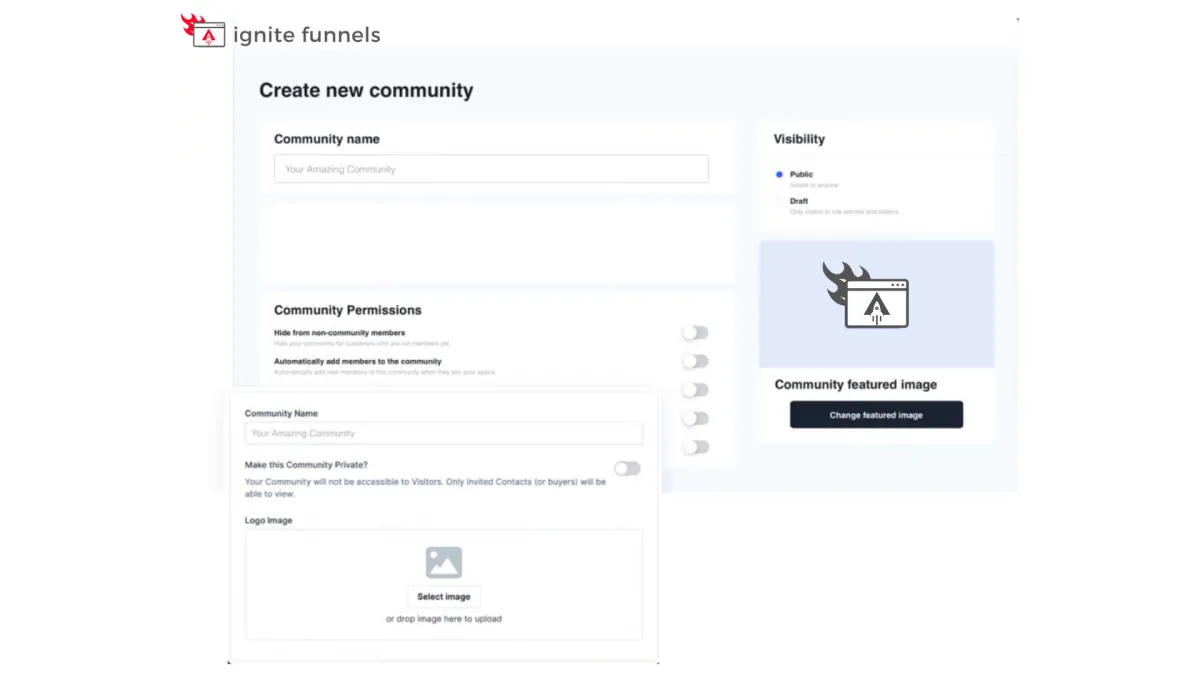
create vibrant community forums
within your online courses. Cultivate engagement, collaboration, and knowledge-sharing among your learners.
Encourage discussions, address queries, and build a sense of belonging, enhancing the overall learning experience. With our forum feature, you can foster a dynamic community of learners, making your courses truly interactive and enriching.

Social Media Management
Lorem ipsum dolor sit amet, consectetur adipiscing elit, sed do eiusmod tempor incididunt ut labore et dolore magna aliqua. Ut enim ad minim veniam, quis nostrud exercitation ullamco laboris nisi ut aliquip ex ea commodo consequat. Duis aute irure dolor in reprehenderit in voluptate velit esse cillum dolore eu fugiat nulla pariatur.

"As a business owner, it is always important to know the numbers and statistics in your company. To know your best clients, programs, what is working or not working. Many of us spend years and thousands of dollars on software that we think will help, and spend too much money, time and effort to implement. And if we can’t understand it all, we have to invest/pay another person to understand and implement it all.
As a subscriber to multiple software platforms to keep our businesses at the forefront of the industry, I can truly share this software developed by Ignite Funnels, makes my job as the CEO a simpler one. Meaning I can see new clients coming in the door from multiple resources, our company follow up, conversions, current client’s information, sales, and special offers in one place."
Christina Nelson