
Blog
Blog

Run Your Ads Inside ChatGPT From Ad Manager
OpenAI is now a platform in Ad Manager, alongside Meta, Google and LinkedIn. You connect an OpenAI Ads account, build and publish ads that run inside ChatGPT, choose where and to whom they show, and measure conversions, all from your account. Ads appear in the ChatGPT apps on iOS and Android, and on chatgpt.com on mobile and desktop.

What can I do with ChatGPT ads in Ad Manager?
You can run OpenAI campaigns with the same campaign, ad group and ad structure used for Meta, Google and LinkedIn. You set the objective, budget, targeting, bidding, creative and tracking in one builder.
- OpenAI as a campaign platform, using the familiar campaign, ad group and ad structure.
- Three objectives: Reach, billed per 1,000 impressions (CPM); Clicks, billed per click (CPC); and Conversions, billed per valid click (oCPC).
- Campaign controls: daily or lifetime budget, start and end schedule, locations to include or exclude, and URL parameters that OpenAI fills in at click time.
- ChatGPT surface targeting: all surfaces, or pick from Android app, Android web, iOS app, iOS web and Desktop web.
- Context hints instead of keywords: describe the situations where your ad belongs, in your customers' words. Suggested hints are generated, and one click adds them.
- Bidding per ad group: a manual bid with a Max CPC, or Maximize results.
- Ad creative with a live ChatGPT preview: a 50-character title, a 100-character description, a landing page URL and one square image. Custom values work in ad text.
- Custom audiences from your own contacts: upload a customer list or use a Smart List. Emails and phone numbers are hashed before they reach OpenAI. An audience needs 25,000 matched users before you can target it.
- Measurement and reporting: web data sources, 12 standard conversion events plus custom ones, and an OpenAI view in Statistics with device, location and platform segments.
How do I launch a ChatGPT campaign?
Connect your OpenAI ad account, set up measurement, create the campaign, then build the ad group and ad. Follow these steps in order.
Step 1: Connect your OpenAI ad account
Go to Ad Manager > Settings > OpenAI > Ad account and connect your account. The connected account shows its ID, status and currency.

Step 2: Set up measurement
Under Data sources, create a web data source and copy its install code to your website. Each data source shows its pixel ID and event count.

Then, under Conversion events, create events. Pick the data source, then a standard or custom event type. Ad Manager shows the attribution windows that apply.

Step 3: Create the campaign
Click Create campaign, choose OpenAI, then Start from scratch. Set the objective, an optional conversion event to measure, the budget and the schedule.


Step 4: Choose where the ads run
Add locations to include or exclude, then decide whether to run on all ChatGPT surfaces or pick them manually.

Step 5: Add URL parameters and audiences
Set tracking parameters for every ad in the campaign, then include or exclude custom audiences.

To create a new audience, build it from a customer list or a Smart List, and choose whether it keeps updating as the Smart List changes.

Step 6: Build the ad group
Name the ad group, set the default destination URL, add your context hints or accept the suggested ones, and set your bid.

Step 7: Write the ad
Add the title, description, landing page URL and square image. The ChatGPT preview updates as you type.

Step 8: Review and publish
Open Review to see every ad as it will run, then publish to OpenAI Ads.

Step 9: Track results
Go to Statistics and switch the platform to OpenAI.


On the Campaigns tab, the platform filter now includes OpenAI, so you can see ChatGPT campaigns on their own or next to the others.


Why run ads in ChatGPT?
- People start their research inside ChatGPT, so your ads reach them at that moment.
- It uses the same builder and flow as Meta, Google and LinkedIn, so your team does not need to learn a new tool.
- Context hints target intent, not identity. The ad is placed against the situation the customer is in.
- Your contact data is protected: audiences are matched on hashed emails and phone numbers, and individual contacts are never visible to OpenAI.
- ChatGPT spend, clicks and conversions appear in Statistics next to every other channel.
What should I know before I start?
- A connected OpenAI Ads account is required. Billing and ad review stay with OpenAI.
- The campaign type is Standard at launch. Ad Manager templates for OpenAI campaigns are coming soon.
- Each ad takes one square image in PNG, JPG or WebP.
- An audience needs at least 25,000 matched users before OpenAI lets you target it.
- Conversion events use a 30-day click-through and a 1-day view-through attribution window.
Find it in Ad Manager: connect your account under Settings > OpenAI, then create campaigns from the Campaigns tab.

Kenya:
Ignite Funnels Kenya is a WebsterBerry Enterprises LTD Company.
Ikigai Westlands, Peponi Road, Nairobi, Kenya, 00606
Tel: +254 20 5002151


Copyrights 2026 | Ignite Funnels Kenya a WebsterBerry Enterprise LTD™ | Terms & Conditions | Privacy Policy
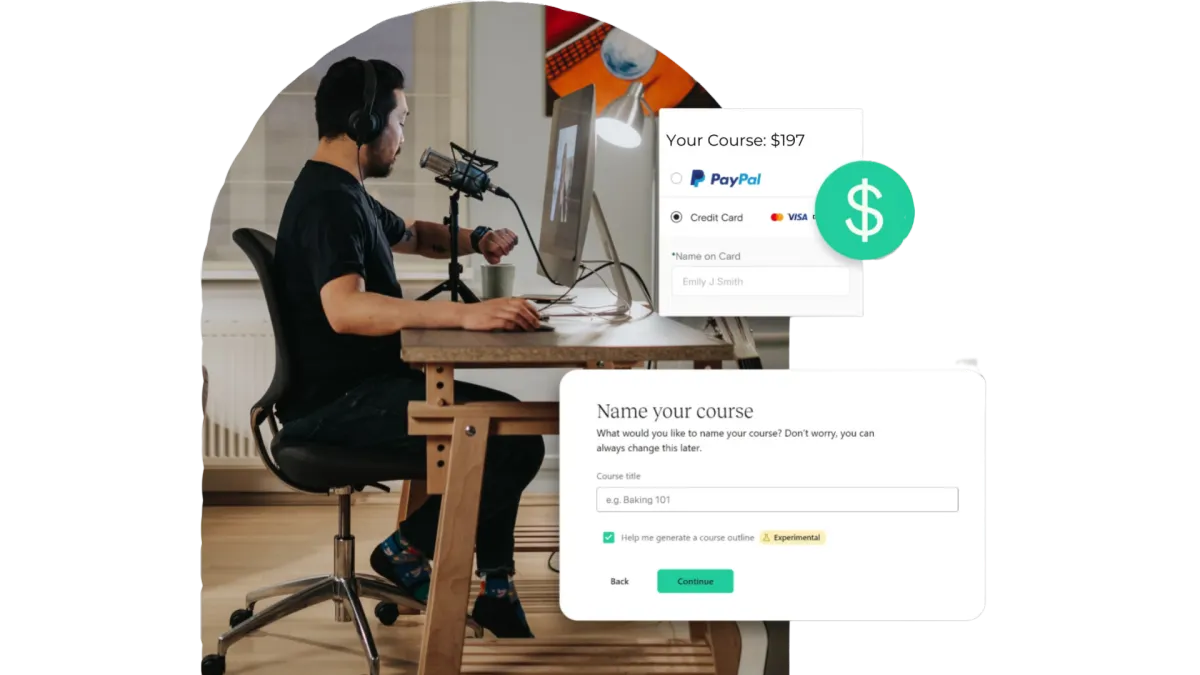
Quick & Painless Payment Processing
Unlock Diverse Payment Options:
Maximize your revenue potential with our seamless payment processing capabilities, including one-time payments, installment plans, and flexible recurring subscriptions.
Transparent Transactions:
Rest assured, we never deduct a portion of your earnings, ensuring that your profits remain fully yours.
Seamless Integration with Stripe:
Our platform integrates seamlessly with Stripe for quick, secure payments, ensuring your earnings are deposited directly into your bank account.
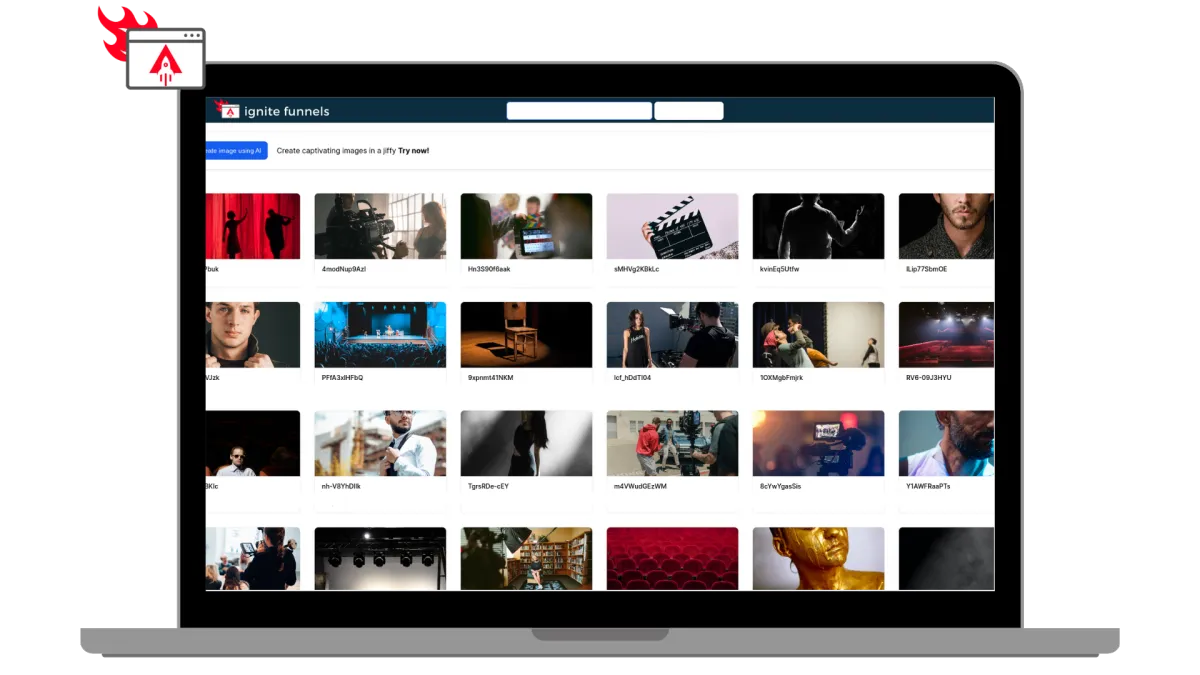
Built for Modern Learning Businesses
Designed for Modern Coaches, and infopreneurs. Ignite Funnels simplifies the transformation of your knowledge into impactful learning adventures. We're committed to crafting speedy, dependable, and secure technology that you can rely on to grow your business.
Unlimited Video Hosting:
Enjoy limitless video hosting capabilities at no extra charge.
Custom Branding + Domains:
Tailored Branding and Domains that you own.
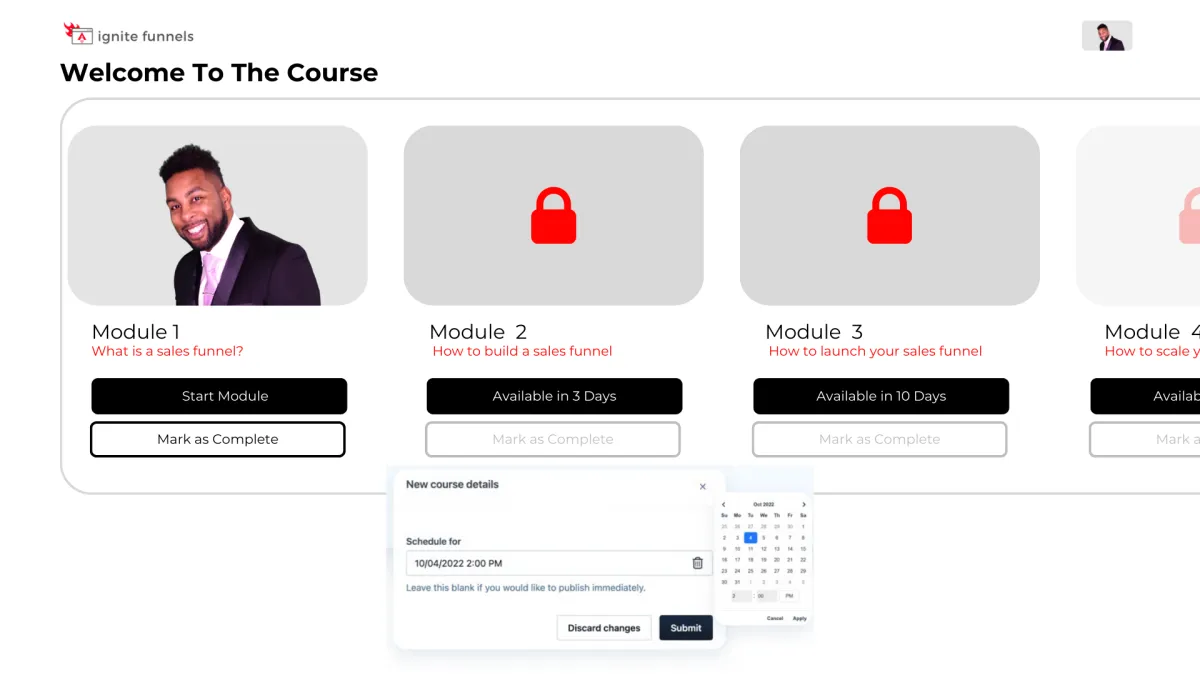
Schedule And ‘Drip’ Your Content
You have the ability to schedule courses for specific publication dates and 'drip' valuable content to your customers gradually! For instance, on Day 1, they gain access to Module 1, and so forth. This empowers you to PRE-SELL your online course and orchestrate a highly anticipated release event when it becomes available, followed by a steady drip of fresh content as it's created!
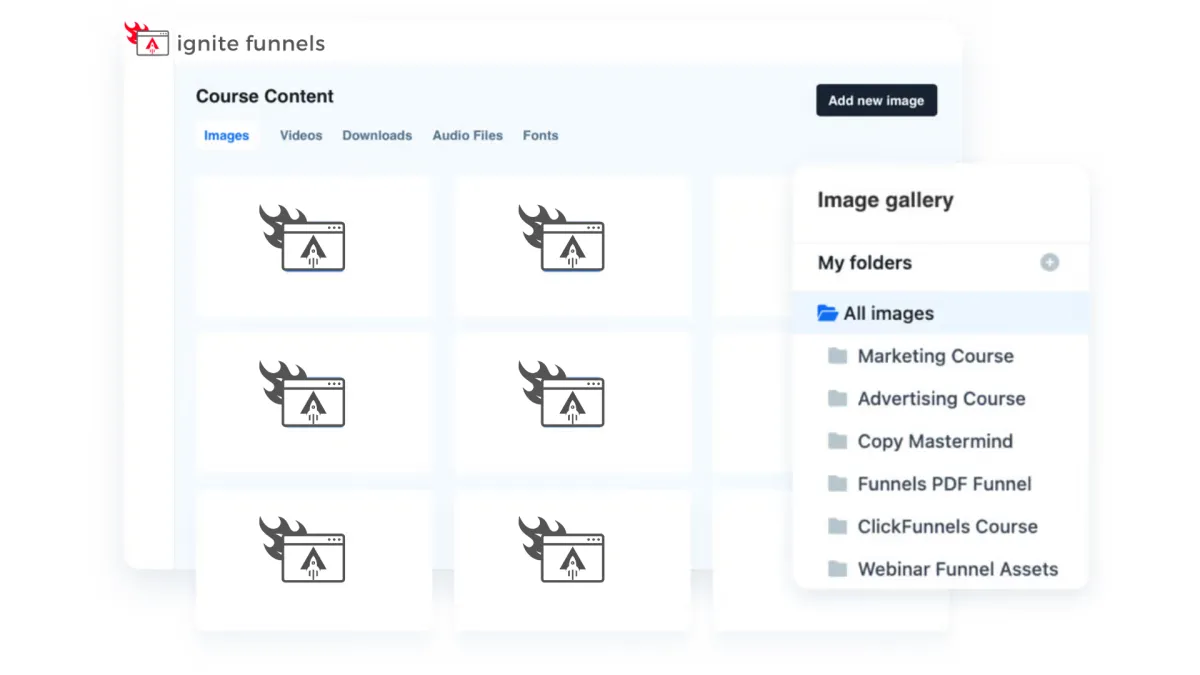
Course Management at Your Fingertips
Every feature you currently have in the editor is now at your disposal within courses! These enhanced editing capabilities empower you to take control of user enrollment right from within your courses. Easily adjust their access, view a user's completed sessions, and, if needed, even mark a lesson as completed on their behalf. Your course management has never been this efficient and user-friendly!

Social Media Management
Lorem ipsum dolor sit amet, consectetur adipiscing elit, sed do eiusmod tempor incididunt ut labore et dolore magna aliqua. Ut enim ad minim veniam, quis nostrud exercitation ullamco laboris nisi ut aliquip ex ea commodo consequat. Duis aute irure dolor in reprehenderit in voluptate velit esse cillum dolore eu fugiat nulla pariatur.
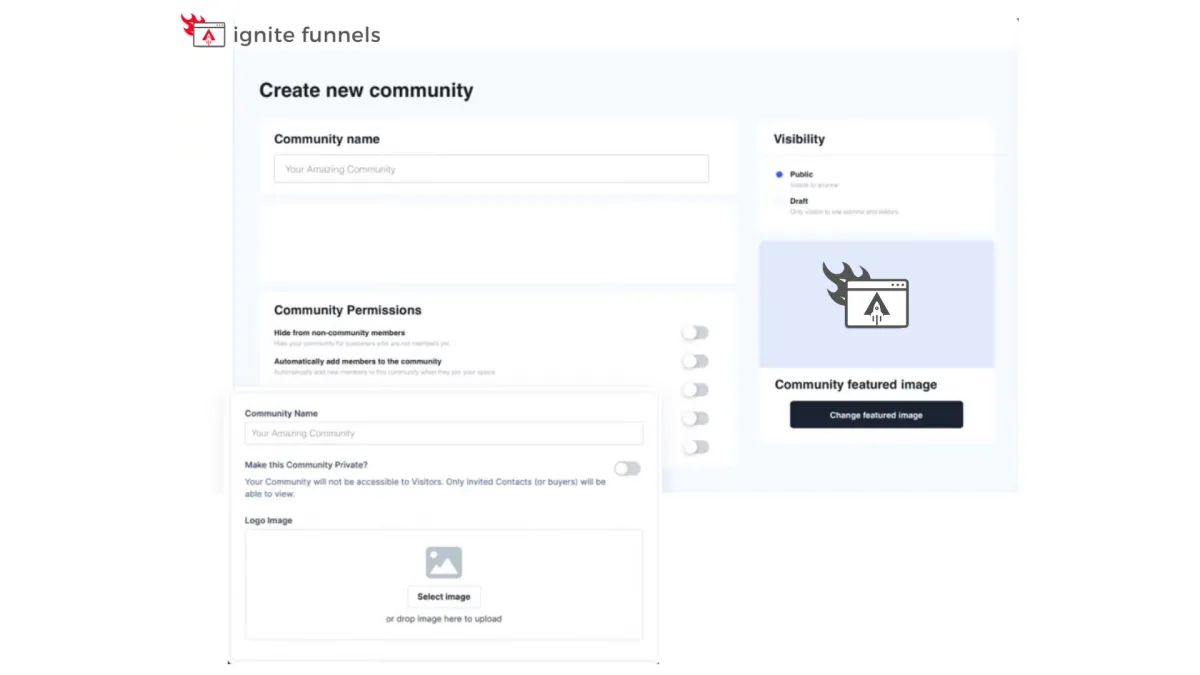
Foster Interactive Learning
Our platform empowers you to
create vibrant community forums
within your online courses. Cultivate engagement, collaboration, and knowledge-sharing among your learners.
Encourage discussions, address queries, and build a sense of belonging, enhancing the overall learning experience. With our forum feature, you can foster a dynamic community of learners, making your courses truly interactive and enriching.

Social Media Management
Lorem ipsum dolor sit amet, consectetur adipiscing elit, sed do eiusmod tempor incididunt ut labore et dolore magna aliqua. Ut enim ad minim veniam, quis nostrud exercitation ullamco laboris nisi ut aliquip ex ea commodo consequat. Duis aute irure dolor in reprehenderit in voluptate velit esse cillum dolore eu fugiat nulla pariatur.

"As a business owner, it is always important to know the numbers and statistics in your company. To know your best clients, programs, what is working or not working. Many of us spend years and thousands of dollars on software that we think will help, and spend too much money, time and effort to implement. And if we can’t understand it all, we have to invest/pay another person to understand and implement it all.
As a subscriber to multiple software platforms to keep our businesses at the forefront of the industry, I can truly share this software developed by Ignite Funnels, makes my job as the CEO a simpler one. Meaning I can see new clients coming in the door from multiple resources, our company follow up, conversions, current client’s information, sales, and special offers in one place."
Christina Nelson