
Help Library

Take WhatsApp Voice Calls Without Leaving the Chat
Your team can now make and take WhatsApp voice calls inside the same conversation thread, on both web and the mobile app. There is no separate dialer and no swapping phone numbers, so when a customer is confused or ready to buy, you move from chat to a call in one click and keep the whole history in one place.


How do I switch a chat to a call?
A call button sits in the conversation itself. Open the thread, click the button, and the call connects through WhatsApp. Both inbound and outbound calls run natively in the conversation view, so nothing about the customer's context is lost.

How do I set it up on the web?
Setup happens once per phone number in your WhatsApp settings. You choose who the calls ring to and when you are available to take them.
- Go to Settings, then WhatsApp, then Calling, and select your phone number.
- Set a Friendly Name, and choose who calls ring to under Ring WhatsApp Calls To (up to 6 people).
- Turn on Allow Voice Calls so you can make and receive calls.
- Optionally turn on callback requests for missed calls, and the display of call buttons.
- Set your Available Call Hours, and your Temporarily Unavailable hours for breaks and holidays.

Before you start, your number needs to be in a connected state, with a WhatsApp messaging limit at the 2,000 tier or higher, and it must not be on coexistence.
Who picks up when a call comes in?
You decide. Add up to 6 team members to the Ring WhatsApp Calls To list and an inbound call rings all of them at once, so the first free person answers and nothing goes unanswered because one person stepped away.
- Named users: add specific people, such as your sales team, who should always take calls on this number.
- The assigned user token: ring the contact's own assigned owner, so a customer reaches the person who already knows them rather than a general queue.

Use the Friendly Name to label each setup, for example Sales Team or Front Desk, so your numbers stay easy to tell apart.
Can I call a customer first, or only answer them?
Customers can call you any time with no permission needed, as long as Allow Voice Calls is on. Calling a customer first works differently: WhatsApp requires their permission, which you request through a template message that they tap to accept.

When the request arrives the customer picks one of three answers:
- Always allow calls gives you permanent permission.
- Temporarily allow calls gives you 7 days.
- Not now declines the request.

Once you have permission you can place up to 5 connected calls in any 24-hour period, and the limit resets as soon as a call connects. You can send one permission request every 24 hours, and at most two in any 7-day period if the customer has not replied. If 4 calls in a row go unanswered, permission is revoked and you have to ask again. These limits are set by WhatsApp itself.

Does it work everywhere?
Inbound calls work anywhere WhatsApp is available. Calling a customer first is available in every country except the USA, Canada, Turkey, Egypt, Vietnam and Nigeria, where WhatsApp does not permit it yet. In those countries you can still receive calls and show call buttons so customers reach you in one tap.
How do I record what happened on a call?
Every call ends with a Call Summary showing the contact, the number, the call status and the duration, and prompts whoever took it to pick an outcome. That outcome is saved against the call, so your records are written at the moment of the call rather than reconstructed later.

You start with defaults such as No Answer, Lead not interested, Voicemail, Follow Up, Requested Callback and DND Spam. You can edit these or add your own, up to 10, under Settings > Phone System > Voice > Call Dispositions. Logging an outcome is optional and only one is saved per call.
Can an outcome start a follow-up automatically?
Yes. In Automation, add a Call Details trigger, set the filter to Custom Disposition, and choose which outcomes fire which follow-ups. A Requested Callback can book an appointment, a Follow Up can send an SMS, and so on. Outcomes also appear in Reporting under Call Reporting as a Call Disposition column and filter, so you can see results by person or team.
What about on the phone?
Calling works on the mobile app too. Make sure your app is up to date, open a conversation, tap the call button and choose WhatsApp Call. Inbound calls reach you whichever account is selected, with no per-account setup, and every call is logged alongside your other calls.

Call outcomes work on both iOS and Android. One thing to watch: on mobile the outcome options only appear when the account you have selected matches the account the call came through, so switch accounts if you take calls across more than one.

Who should use this?
Sales and support teams whose customers already live on WhatsApp. A two-minute call settles a complicated question faster than twenty messages, and keeping it inside WhatsApp means you keep the full context and a complete record instead of pulling the customer onto a separate line.
You will find this under Settings, then WhatsApp, then Calling.
This update was originally released in June 2026. Menu locations may have changed since.


Kenya:
Ignite Funnels Kenya is a WebsterBerry Enterprises LTD Company.
Ikigai Westlands, Peponi Road, Nairobi, Kenya, 00606
Tel: +254 20 5002151
Quick Links
Home
Pricing
Affiliate Program
Help- Knowledge Base
Spark Sessions


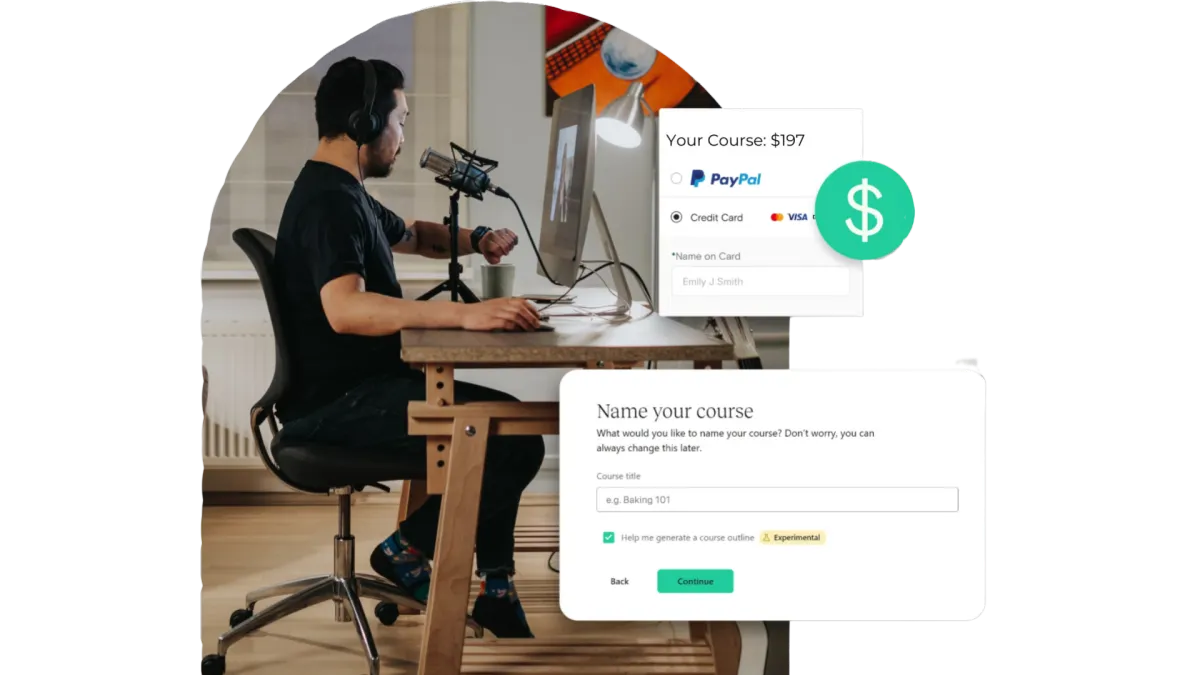
Quick & Painless Payment Processing
Unlock Diverse Payment Options:
Maximize your revenue potential with our seamless payment processing capabilities, including one-time payments, installment plans, and flexible recurring subscriptions.
Transparent Transactions:
Rest assured, we never deduct a portion of your earnings, ensuring that your profits remain fully yours.
Seamless Integration with Stripe:
Our platform integrates seamlessly with Stripe for quick, secure payments, ensuring your earnings are deposited directly into your bank account.
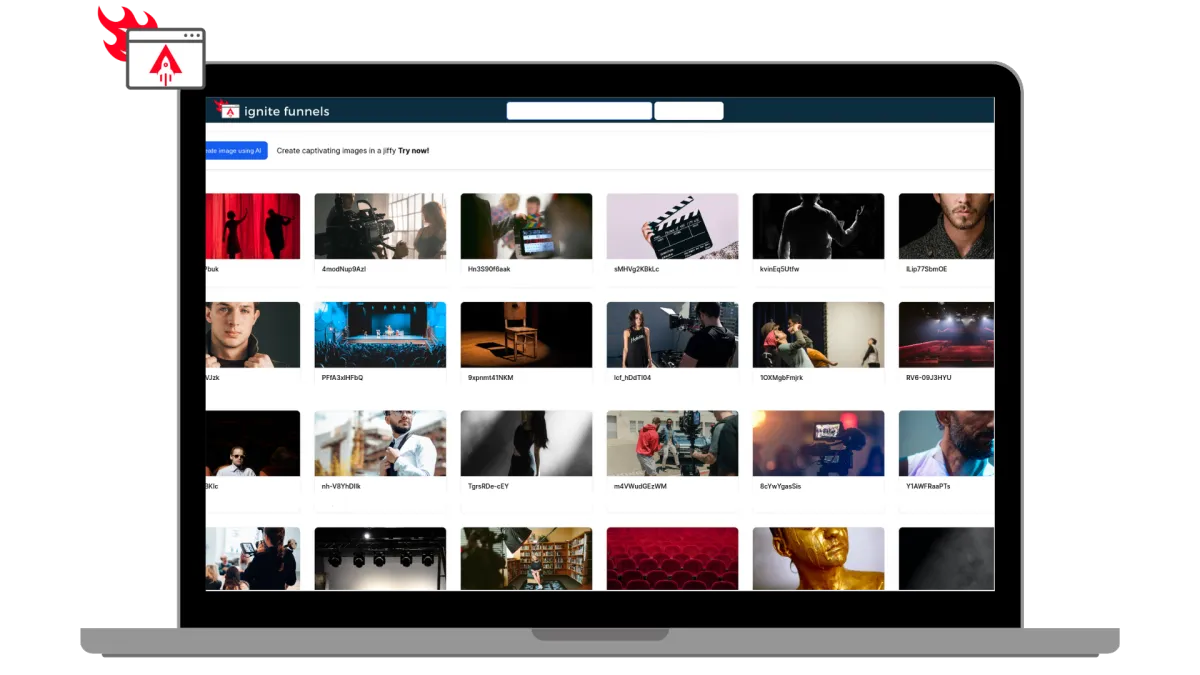
Built for Modern Learning Businesses
Designed for Modern Coaches, and infopreneurs. Ignite Funnels simplifies the transformation of your knowledge into impactful learning adventures. We're committed to crafting speedy, dependable, and secure technology that you can rely on to grow your business.
Unlimited Video Hosting:
Enjoy limitless video hosting capabilities at no extra charge.
Custom Branding + Domains:
Tailored Branding and Domains that you own.
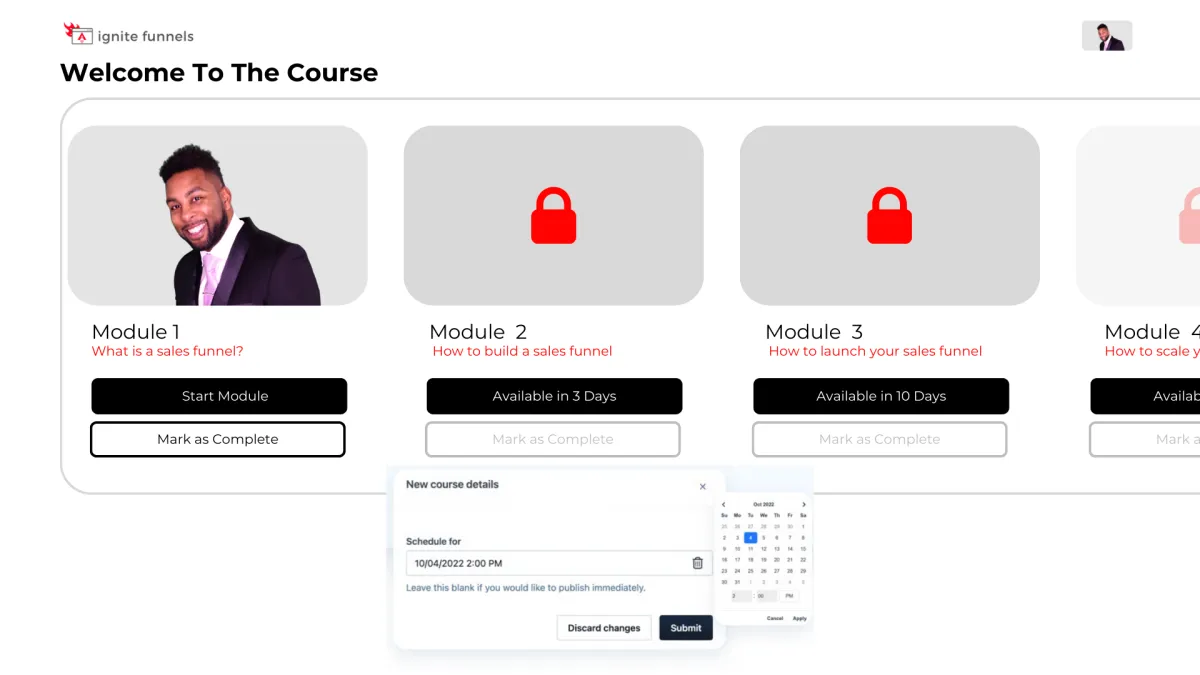
Schedule And ‘Drip’ Your Content
You have the ability to schedule courses for specific publication dates and 'drip' valuable content to your customers gradually! For instance, on Day 1, they gain access to Module 1, and so forth. This empowers you to PRE-SELL your online course and orchestrate a highly anticipated release event when it becomes available, followed by a steady drip of fresh content as it's created!
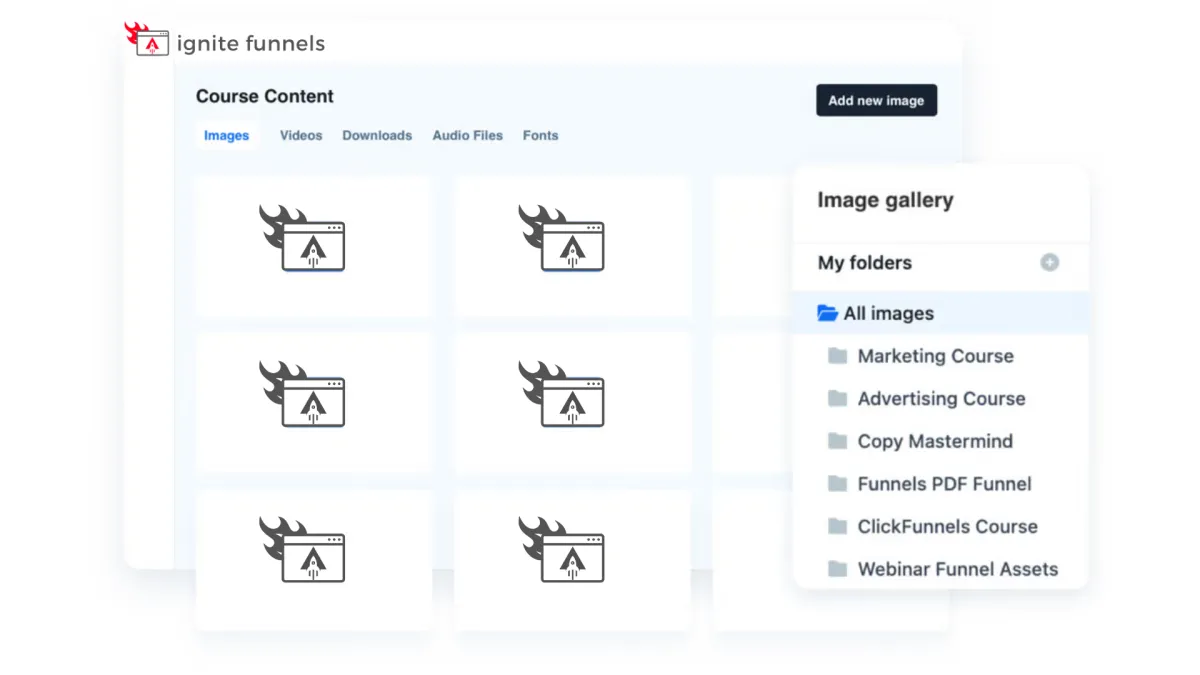
Course Management at Your Fingertips
Every feature you currently have in the editor is now at your disposal within courses! These enhanced editing capabilities empower you to take control of user enrollment right from within your courses. Easily adjust their access, view a user's completed sessions, and, if needed, even mark a lesson as completed on their behalf. Your course management has never been this efficient and user-friendly!

Social Media Management
Lorem ipsum dolor sit amet, consectetur adipiscing elit, sed do eiusmod tempor incididunt ut labore et dolore magna aliqua. Ut enim ad minim veniam, quis nostrud exercitation ullamco laboris nisi ut aliquip ex ea commodo consequat. Duis aute irure dolor in reprehenderit in voluptate velit esse cillum dolore eu fugiat nulla pariatur.
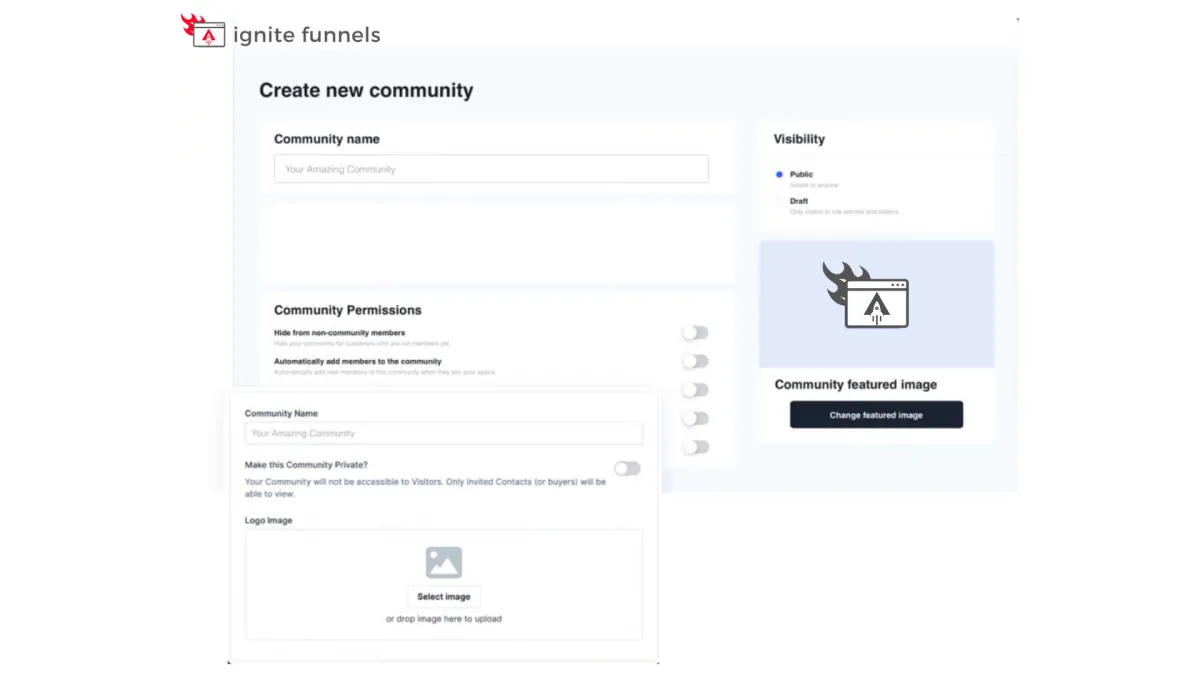
Foster Interactive Learning
Our platform empowers you to
create vibrant community forums
within your online courses. Cultivate engagement, collaboration, and knowledge-sharing among your learners.
Encourage discussions, address queries, and build a sense of belonging, enhancing the overall learning experience. With our forum feature, you can foster a dynamic community of learners, making your courses truly interactive and enriching.

Social Media Management
Lorem ipsum dolor sit amet, consectetur adipiscing elit, sed do eiusmod tempor incididunt ut labore et dolore magna aliqua. Ut enim ad minim veniam, quis nostrud exercitation ullamco laboris nisi ut aliquip ex ea commodo consequat. Duis aute irure dolor in reprehenderit in voluptate velit esse cillum dolore eu fugiat nulla pariatur.

"As a business owner, it is always important to know the numbers and statistics in your company. To know your best clients, programs, what is working or not working. Many of us spend years and thousands of dollars on software that we think will help, and spend too much money, time and effort to implement. And if we can’t understand it all, we have to invest/pay another person to understand and implement it all.
As a subscriber to multiple software platforms to keep our businesses at the forefront of the industry, I can truly share this software developed by Ignite Funnels, makes my job as the CEO a simpler one. Meaning I can see new clients coming in the door from multiple resources, our company follow up, conversions, current client’s information, sales, and special offers in one place."
Christina Nelson