

How to Request a Payment by WhatsApp or Email (Text 2 Pay)
Text 2 Pay lets you send a payment link straight from a conversation. The customer taps the link and pays, and the payment is recorded against their contact in Ignite Funnels.
Watch the video
Before you start: connect a payment provider
Go to Payments > Integrations and connect the provider you use to accept money in Kenya, for example Paystack (M-Pesa and cards). Payment links only work once a provider is connected and set to live mode.
Create the payment link
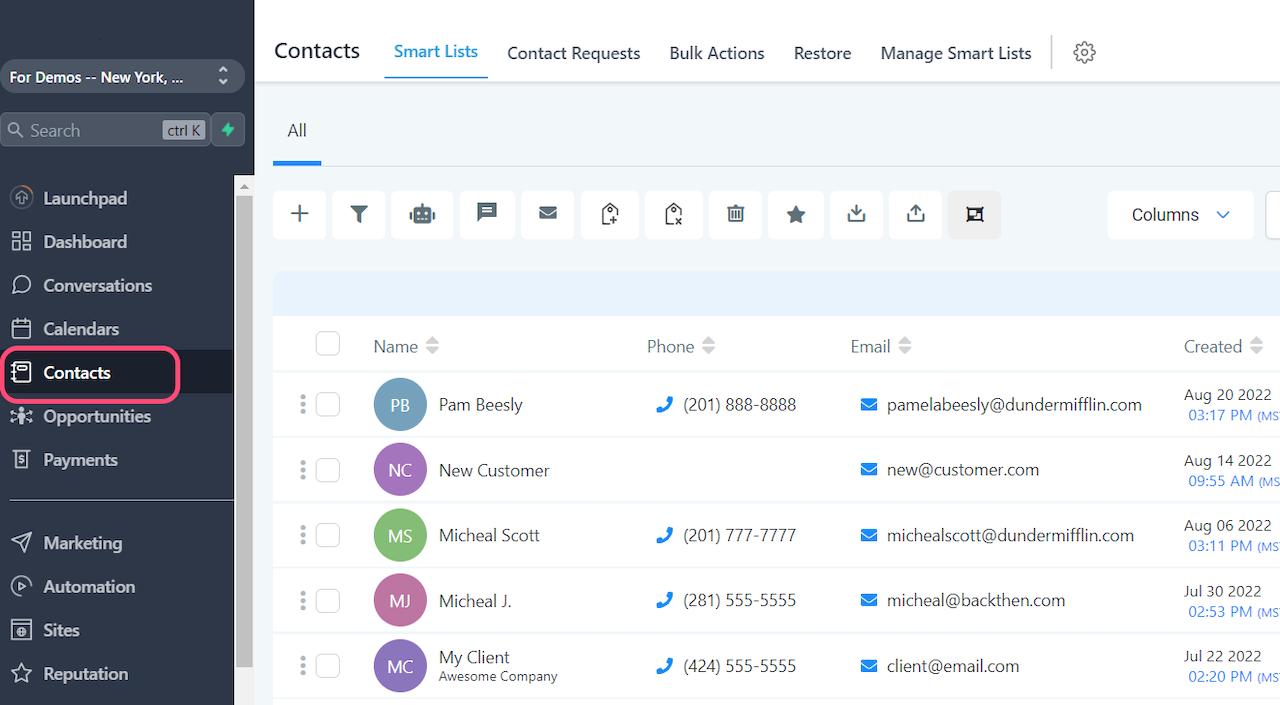
- Open the contact from Contacts, or search for them in Conversations.
- Click the Request Payment (money) icon in the message box.
- Enter the item or service name and the price in KES.
- Optional: click to add more items. The total is added up for you and the customer sees each line.
- Choose a due date.
- Optional: set an expiration date. The link stops working at midnight on that day. Tick Link does not expire if you want it open-ended.
- Open Additional Options and make sure Live is switched on.
- Click Save.
Send it on WhatsApp
- Open the customer's WhatsApp conversation.
- Create the payment link as above and click Copy link and mark as sent.
- Paste the link into your WhatsApp reply with a short note, then send.
Send it by email
- Choose Email at the bottom of the message box.
- Create the payment link as above.
- Edit the message that goes with the link, then click Send.
Note for Kenya: SMS to Kenyan (+254) numbers is not available at the moment, so send payment links to Kenyan customers on WhatsApp or by email.
Tips for Kenyan customers
- Keep the message short and say what the payment is for, for example: "Hi Wanjiru, here is your link to pay KES 3,500 for Saturday's booking."
- WhatsApp links usually get paid faster than email for most small businesses.
- Set a due date so unpaid links are easy to follow up.
Need help?
Click the help button in the bottom right corner of your Ignite Funnels account to search more guides or chat with our support team.



